Body
Overview
Follow these instructions to enable or disable private browsing in Safari browser on your iPhone or iPad.
Issue
- Open Safari on your iPhone or iPad.
- Tap the new page button

- Tap Private, then tap Done.
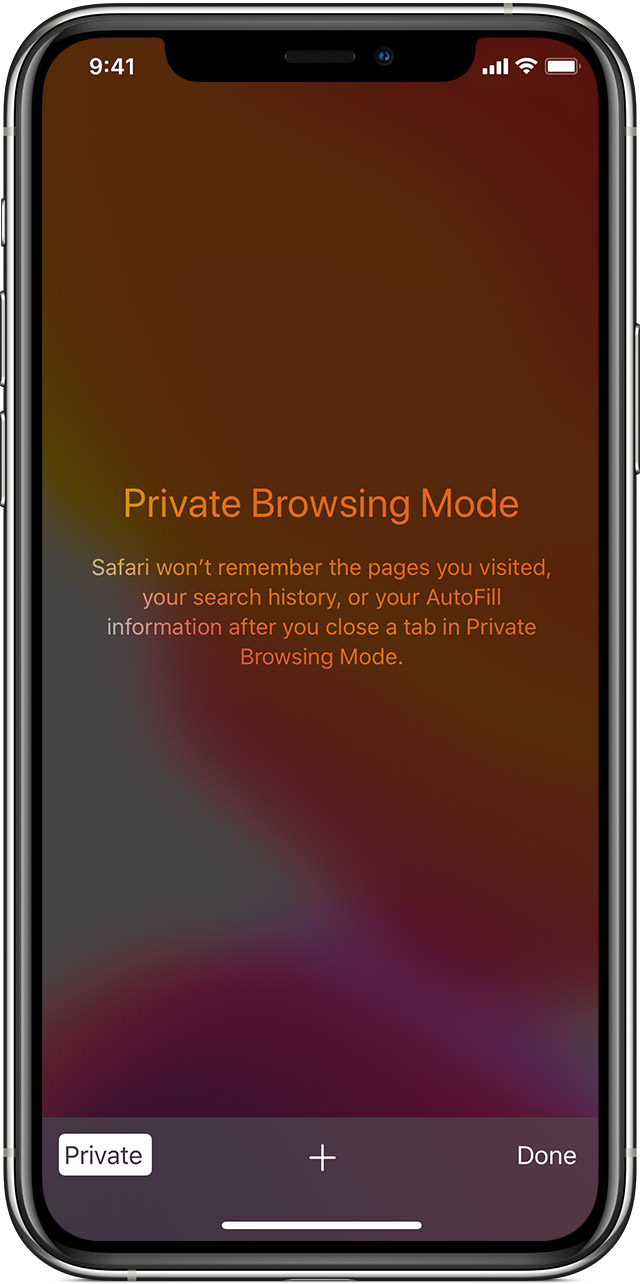
While Private Browsing is on, Safari appears black or dark instead of white or gray.
How to turn off Private Browsing
- Open Safari on your iPhone or iPod touch.
- Tap the new page button

- Tap Private, then tap Done.
Additional Information
Need additional information or assistance? Please open a ticket.